Apple to Block Mac Apps From Secretly Accessing Your Clipboard

Apple is planning to implement a change to pasteboard (aka your iPhone‘s internal clipboard) that will prevent Mac apps from being able to read the pasteboard without the user being alerted, according to information Apple has shared with developers.



In macOS 16, Mac users will get an alert when a Mac app reads the pasteboard without direct user interaction. This change means apps won’t be able to surreptitiously view the things you’ve copied and pasted.

Mac users won’t see an alert with a direct pasteboard-related action, like when copying and pasting text within an app that supports it. Users will be notified if an app tries to view pasteboard data when the paste feature hasn’t been used.

Apple says that the Mac pasteboard will work similarly to the iOS pasteboard going forward. On the ‌iPhone‌ and iPad, Apple blocks apps from snooping on pasteboard data, and has done so since iOS 14 after security researchers found that dozens of popular iOS apps were reading the contents of the pasteboard without user consent.

Apple addressed the problem by adding a banner that notifies you when an iOS app accesses the clipboard. In iOS 15, Apple further enhanced the feature by introducing a secure paste option that prevents developers from seeing the clipboard entirely unless you copy something from one app and paste it into the app you’re actively using.

With the upcoming Mac changes, Mac developers will be able to “examine the kinds of data” on the pasteboard without actually reading them, improving pasteboard privacy. Pasteboard data used with the privacy-focused API won’t show the alert to end users. From Apple’s notice to developers:

Prepare your app for an upcoming feature in macOS that alerts a person using a device when your app programmatically reads the general pasteboard. The system shows the alert only if the pasteboard access wasn’t a result of someone’s input on a UI element that the system considers paste-related. This behavior is similar to how UIPasteboard behaves in iOS.

New detect methods in NSPasteboard and NSPasteboardItem make it possible for an app to examine the kinds of data on the pasteboard without actually reading them and showing the alert. NSPasteboard also adds an accessBehavior property to determine if programmatic pasteboard access is always allowed, never allowed, or if it prompts an alert requesting permission. You can adopt these APIs ahead of the change, and set a user default to test the new behavior on your Mac.

Apple software engineer Jeff Nadeau mentioned on Mastodon that Apple has come across Mac apps that are continuously scraping the pasteboard in the background, but at the same time, there are apps that need pasteboard manipulation, which is why Apple has designed the new APIs.

Mac apps will also need to get user permission to access the pasteboard in some situations. Apple says that developers are able to test the upcoming pasteboard changes with their apps ahead of when the functionality rolls out to users.
This article, "Apple to Block Mac Apps From Secretly Accessing Your Clipboard" first appeared on MacRumors.com

Discuss this article in our forums

Read More

Apple Bug Prevents You From Telling People About Dave & Buster’s

There’s an issue with the Messages app that prevents users from sending voice-based messages that include ampersands, resulting in a curious bug that means you can’t use audio messages to tell your friends about Dave & Buster’s, H&M, Tiffany & Co., or any other similar proper name.


The bug was first highlighted on the Search Engine podcast, and then further investigated by app developer Guilherme Rambo. Basically, if you try to send someone an audio message in the Messages app that includes the phrase “Dave and Buster’s,” it won’t go through.

After you send the message, it’ll show on your own iPhone, and the person on the other end will see three dots as if you’re typing something. The message ultimately just disappears after a few seconds, never showing up for the person that you’re speaking to. It was Dave & Buster’s that led to the bug being discovered, but it in fact impacts any company with an ampersand in the name.

As it turns out, the problem isn’t with the audio message itself, but with the transcript that accompanies any audio message that you send. Apple’s transcription engine understands proper company names like H&M or Dave & Buster’s, displaying them with an ampersand rather than the word “and,” so when you send someone a voice message saying something like “Do you want to go to Dave & Buster’s?” the transcript is rendered just like that, with the proper name.

It’s the ampersand symbol that’s causing an issue, because Apple’s transcription engine isn’t rendering the ampersand XHTML correctly, causing a parsing error on the device of the person receiving the message. The parsing error triggers Apple’s BlastDoor Messages feature that protects users from malicious messages that might rely on problematic parsing, so ultimately, the audio message fails to send.

Rambo goes into more detail about the root of the issue, and the original Search Engine podcast also has more on the bug, so check those out if you want to hear more about Apple’s minor error that’s nixing any audio message with an ampersand.
This article, "Apple Bug Prevents You From Telling People About Dave & Buster's" first appeared on MacRumors.com

Discuss this article in our forums

Read More

vivo S30 and S30 Pro mini specs leak

According to a new leak out of China, vivo is working on the S30, which will be powered by Qualcomm’s still-unannounced Snapdragon 7 Gen 4 SoC. That’s one generation newer than the Snapdragon 7 Gen 3 in its predecessor. The phone will allegedly have a 6.67-inch “1.5K” resolution flat screen, a periscope telephoto camera using Sony’s IMX882 sensor, and a 6,500 mAh battery. vivo S20 It will be joined by the S30 Pro mini, with a 6.31-inch “1.5K” flat screen (in fact rumored to be exactly the same LTPO OLED panel used in the X200 Pro mini), and this one will be powered by either the…

Read More

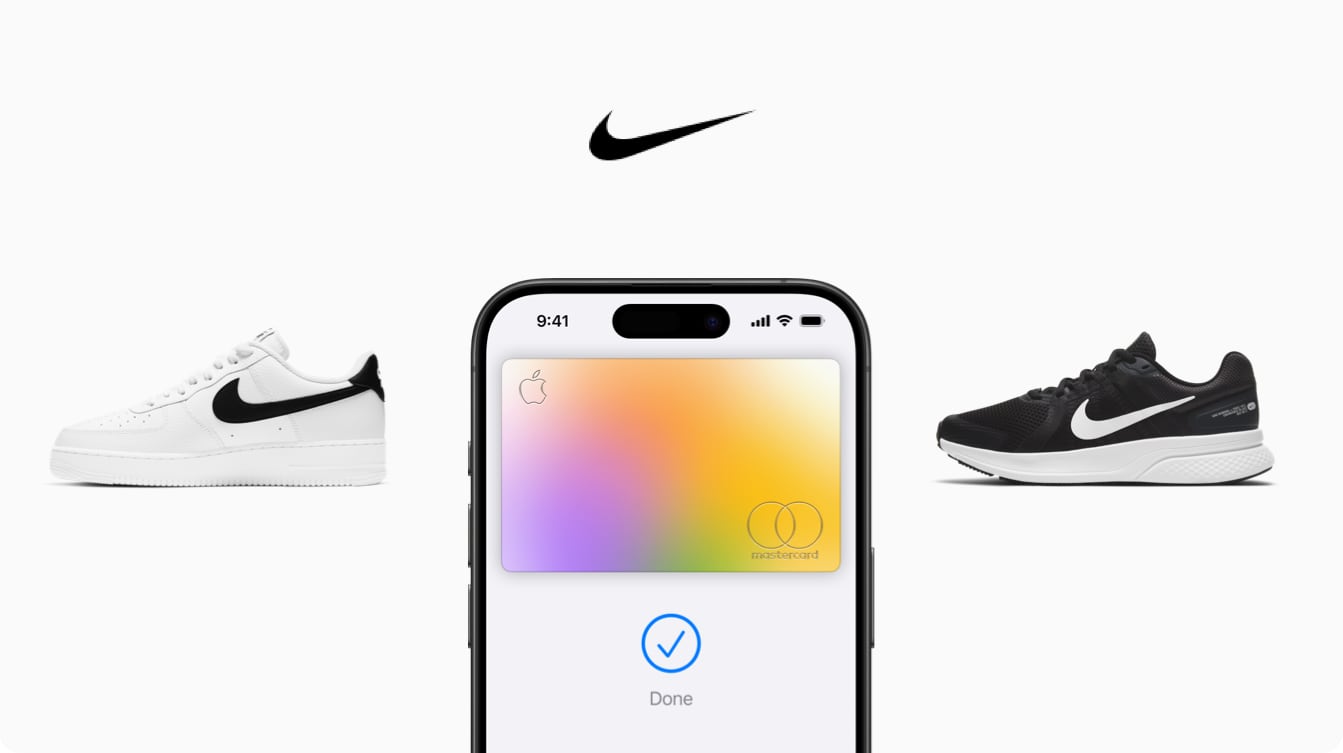
Apple Card Promo Offers 6% Daily Cash Back for Nike Purchases

Apple Card users can get additional Daily Cash when making purchases from Nike for the next month, according to an email that Apple is sending out to card holders.


Through June 15, making a purchase with an ‌Apple Card‌ using Apple Pay at a Nike retail store, online, or in the Nike app will earn six percent Daily Cash, instead of the standard three percent that’s normally available when shopping from Nike.

‌Apple Card‌ holders can get the six percent Daily Cash back on up to $500 in purchases, for a total of $30 back. The deal is available to ‌Apple Card‌ owners, co-owners, and participants, so multiple family members can get the bonus cash back offer.

Typically, ‌Apple Pay‌ purchases with ‌Apple Card‌ provide two percent Daily Cash, but Apple has partnered with some companies like Nike to up that to three percent. You can get three percent Daily Cash when using ‌Apple Pay‌ and ‌Apple Card‌ for purchases at Ace, Apple retail stores, Booking.com, ChargePoint, Exxon, Mobil, Uber, and Walgreens.

This article, "Apple Card Promo Offers 6% Daily Cash Back for Nike Purchases" first appeared on MacRumors.com

Discuss this article in our forums

Read More