Apple’s 20th Anniversary iPhone: What We Know So Far

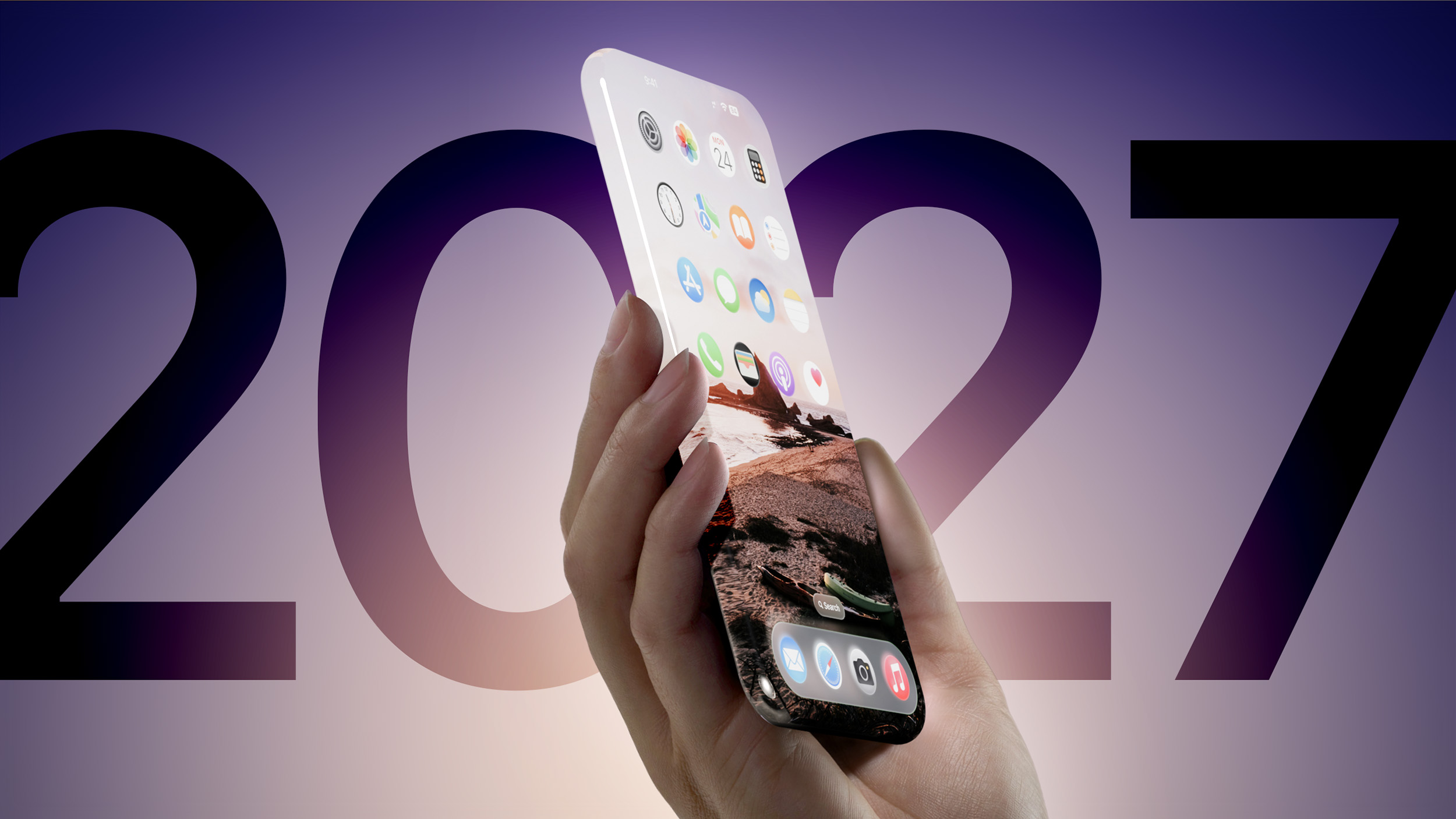
2027 will mark the 20th anniversary of the iPhone, and Apple is planning to celebrate with an all-new ‌iPhone‌ design. With the 10th anniversary of the ‌iPhone‌, Apple unveiled the all-display ‌iPhone‌ X with no bezels at the top or the bottom for the camera or the Touch ID home button. It marked the debut of Face ID, and dictated the next decade of ‌iPhone‌ design.


For the “‌iPhone‌ XX,” Apple needs to do even better, and rumors suggest that the company has some big ideas that it’s aiming for.

Apple wants to create an all-glass iPhone that doesn’t have cutouts in the display, so there could be a high-end ‌iPhone‌ 19 Pro model that fulfills that requirement. Apple wants a true edge-to-edge display

Design

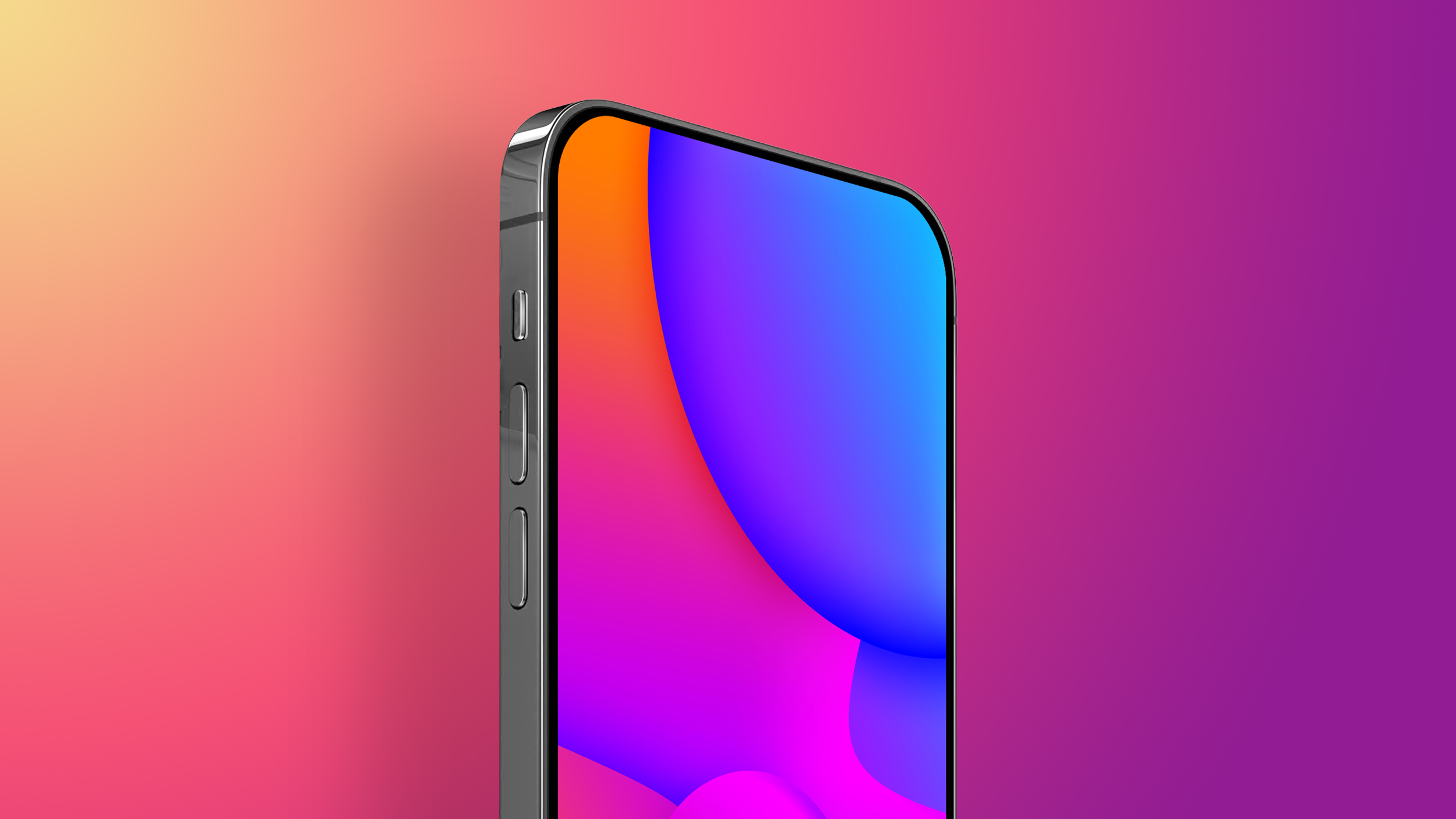
The 20th anniversary ‌iPhone‌ that Apple is planning for 2027 could feature a radical design, offering a display that has no visible frame or bezels. An early rumor suggests that Apple is aiming for a display that curves around all four edges of the device, for a borderless visual experience.


Apple wants a mostly glass ‌iPhone‌ with a curved display and no cutouts, which would necessitate under-display ‌Face ID‌ and an under-display camera.

An all-glass ‌iPhone‌ with a wraparound display that covers all four edges of the device would be less durable than current ‌iPhone‌ models that have titanium or aluminum frames, so Apple may need to come up with more durable glass before such a device is a possibility.

Battery

Apple is developing new battery technology that could make it into the 2027 ‌iPhone‌ models. Apple is looking into using pure silicon anode batteries, which are able to store more lithium ions per gram than current batteries, resulting in significant increases in battery life without major increases in battery size.

RAM

Apple could use advanced AI memory technology for the 2027 ‌iPhone‌ models. Apple is rumored to be considering Mobile High Bandwidth Memory (HBM), a type of DRAM that stacks memory chips vertically and connects them through tiny vertical interconnects to boost signal transmission speeds.

In smartphones, the technology would provide high data throughput while minimizing power consumption and the physical footprint of RAM dies.

Name

Technically, the 20th anniversary ‌iPhone‌ lineup would be the ‌iPhone‌ 19 lineup, but in 2017, Apple released a surprise “‌iPhone‌ X” alongside the ‌iPhone‌ 8 models. This year, Apple could have similar plans for the high-end device, though what it might be called is unclear.

Apple could decide to call it the ‌iPhone‌ 20, like the decision it made for the ‌iPhone‌ X in 2017, or the company could stick with the ‌iPhone‌ 19 naming. Alternatively, the all-display device could have an entirely new name, like iPhone Ultra.

The ‌iPhone‌ that Apple has planned could be a replacement for the ‌iPhone‌ Pro models, or it could be sold alongside them. With plans for a foldable ‌iPhone‌ in 2026, though, it may not make sense to add yet another phone to the lineup.

Launch Date

The 20th anniversary ‌iPhone‌ would presumably come out in the fall of 2027.
This article, "Apple's 20th Anniversary iPhone: What We Know So Far" first appeared on MacRumors.com

Discuss this article in our forums

Read More

Mystery Redmi phone gets certified with big battery, will also be Poco branded

Xiaomi’s sub-brands are working on a new smartphone, which has just been certified by the FCC – that is, the Redmi version of it, bearing the model number 25078RA3EL. It lacks 5G support, so it will be 4G-only. The phone boasts a massive 6.9-inch LCD touchscreen, and a big 6,000 mAh battery. It will support 33W wired charging, and will ship running Xiaomi’s HyperOS 2.2. The live image you can see below shows a V-shaped notch at the top of the screen, which, along with the lack of 5G support, confirms that this will be a very cheap device. It will also be offered under the…

Read More

Even More iPhone Safety Tips You Should Know

Last week, we shared a list of iPhone safety tools that every iPhone owner should know about, from Emergency SOS and Medical ID to Safety Check and Check In. MacRumors readers had more suggestions on safety information we should highlight, so we have a follow-up.
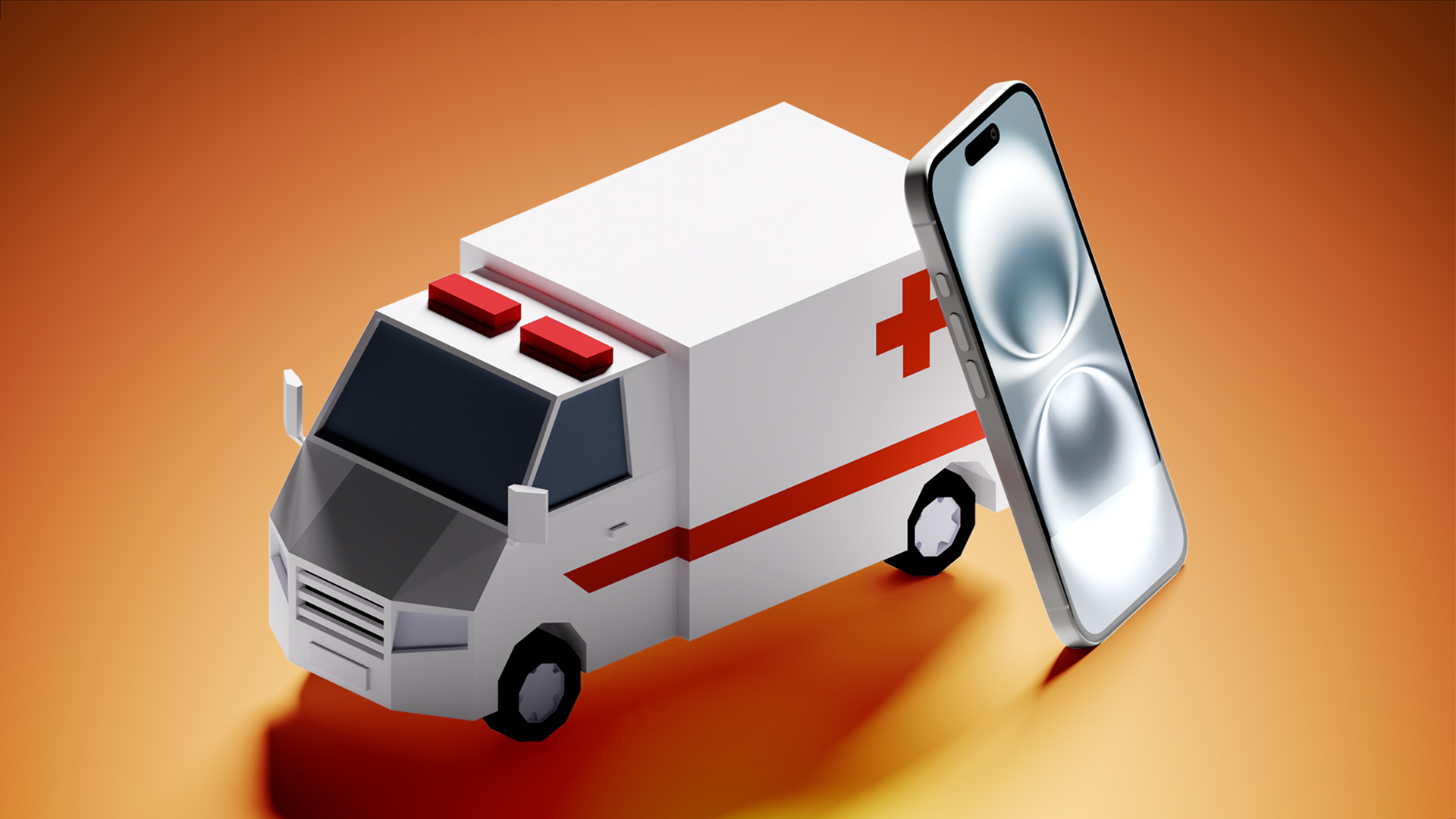

You Don’t Need a SIM to Call Emergency Services

If you have an ‌iPhone‌ with no SIM inside and no cellular service, you can still use it to call emergency services in the United States, Canada, and Australia.

When emergency services are dialed on a smartphone with no SIM, it will automatically connect to any carrier network that’s available, no questions asked. If you have an old ‌iPhone‌, it’s worth keeping it charged up and available as a spare in case you ever need it in an emergency.

You’ll see “SOS” or “SOS only” in the status bar if you’re able to use an ‌iPhone‌ with no SIM for an emergency call.

You Don’t Need Signal to Call Emergency Services

Likewise, if you have no signal and you’re in an emergency situation, try dialing emergency services anyway. Even if your carrier doesn’t have signal where you are, there could be another carrier that does, and you can automatically use that network.

If you see “SOS” or “SOS only” in the status bar on your ‌iPhone‌, it means you don’t have a signal with your carrier, but you can still use another carrier to make an emergency call. If your phone says No Service or Searching, there is no nearby cellular network to connect to for an emergency call.

If you’re in a remote or rural area with no carrier signal from any carrier, you may be able to use Emergency SOS via satellite on an ‌iPhone‌ 14 or later model to place to get help in an emergency.

Your ‌iPhone‌ will let you know that a satellite connection is available whenever you’re out of cellular or Wi-Fi range. Using Emergency SOS via Satellite typically requires a clear view of the sky for the ‌iPhone‌ to establish a connection.

Emergency Services and Your Location

When you place an emergency call, your ‌iPhone‌ is able to automatically relay your location to emergency services in the United States.

It does this through a feature called HELO, or Hybridized Emergency Location, which Apple has supported since 2015. HELO uses cell towers and on-device data points like GPS and Wi-Fi to estimate a 911 caller’s location.

Location information is relayed through a software system provided by RapidSOS that 911 centers use, and it’s how emergency personnel can find you when you call from an ‌iPhone‌.

Wi-Fi Calling

If you’re using Wi-Fi calling, you’ve probably been prompted to enter an Emergency Address. This is so you can be located if you’re calling using a Wi-Fi connection. You’ll want to make sure your Emergency Address is up to date if Wi-Fi calling is a feature that you use.

You can update your Emergency Address by going to the Settings app, navigating to the Apps section, choosing Phone, tapping on Wi-Fi calling, and then tapping on Update Emergency Address. Apple says you should update your address whenever you change your location.

911 calls will only be placed over Wi-Fi if a cellular network is unavailable, so it’s not the default option. When Wi-Fi calling is available, you’ll see Wi-Fi in the status bar.

You Can Text 911

In the United States and some other countries, you can text 911 if making a phone call isn’t an option. To do so, open the Messages app, type in your emergency services number, and then type your emergency in the text message field.

When you text 911, your ‌iPhone‌ goes into an emergency mode for a 30 minute period, and to exit it, you’ll need to restart.

Texting 911 is available on iPhones running iOS 13 or later, and you can also text on an Apple Watch with watchOS 6 or later. Texting 911 requires a cellular connection.

You Can Send Video to 911

As of iOS 18, there is an option to share streaming video and recorded media with 911 operators during emergency calls. When you call 911, emergency dispatchers can send a request to share live video or photos over a secure connection.

The ability to share photos and video with emergency services is available thanks to Apple’s partnerships with RapidSOS and Prepared.

Carrier Satellite Services vs. Apple Emergency SOS via Satellite

On the ‌iPhone‌ 14 and all later ‌iPhone‌ models, there is a built-in Apple-provided satellite connectivity feature that can be used for emergency situations, texting, and updating your location when Wi-Fi and cellular connectivity are not available.

Separately, some carriers also offer satellite connectivity, and this is distinct from Emergency SOS via Satellite. Apple and cellular carriers haven’t done a great job making the distinction between Emergency SOS via Satellite and carrier-provided satellite services, so there can be some confusion.

To use Emergency SOS via Satellite, you need an ‌iPhone‌ 14 or later, and you need to use Apple’s satellite services provided by Globalstar. Emergency SOS via Satellite is the default on your ‌iPhone‌, and it will show up when you do not have a cellular or Wi-Fi connection.

With carrier services, what’s available varies by carrier, and it comes into play if you have an older ‌iPhone‌ or are in an area where you can’t get connectivity through one of Globalstar’s satellites. Most carrier satellite services right now are provided through Starlink, and with Starlink, you can text over satellite, but not call.

If you have T-Mobile in the U.S., au in Japan, or One NZ in New Zealand, you have access to Starlink satellite connectivity. In an emergency, if Starlink is what you can connect to, you will need to text emergency services by typing 911 (or your local emergency number) in the Messages app. Starlink may support calls and data in the future, but it does not at the current time.

When you see mentions of Emergency SOS and satellite calls on ‌iPhone‌ in news stories, commercials, and other places, it is referencing the built-in satellite option available on the ‌iPhone‌ 14 and later.

Carrier satellite services are now supported on the ‌iPhone‌ 13 and later, so if you have an ‌iPhone‌ 13 model, you may be able to text emergency services using carrier satellite services when you have no signal, but you can’t use Emergency SOS via Satellite.

Carrier satellite services may be included in some plans or could cost extra in some situations, and it varies from carrier to carrier.

Siri Health Integration

For a long time now, Apple has partnered with the Suicide Prevention Lifeline to direct customers who may be feeling down to the hotline to get help. If you tell Siri you’re thinking of suicide, ‌Siri‌ will suggest that you call and will offer to dial for you.

Telling ‌Siri‌ you’re depressed will prompt ‌Siri‌ to offer to call a friend, family member, or NHS.uk.

‌Siri‌ also integrates with other services. If you’ve been sexually assaulted, ‌Siri‌ will offer to call the National Sexual Assault Hotline. If you’ve been abused, ‌Siri‌ will offer to call the National Domestic Abuse Hotline.

You can ask ‌Siri‌ to dial 911 (or your local emergency number) if you’re not able to. In the U.S., ‌Siri‌ can also dial 988 to reach the National Suicide Prevention and Crisis Hotline.

Add More

Have another tip that you think we should share, safety-related or on another topic entirely? Let us know in the comments or send us an email here.
This article, "Even More iPhone Safety Tips You Should Know" first appeared on MacRumors.com

Discuss this article in our forums

Read More

Samsung Galaxy S25 Edge in for review

The new Galaxy S25 Edge arrived at the office today and we have some thoughts. Let’s get the obvious stuff out of the way first – it’s thin (5.8mm), and light (163g), and it ships in a box with a USB-C cable. The S25 Edge is undeniably elegant and refined. It’s also pretty in an […]

Read More

MacRumors Giveaway: Win an Apple Watch Ultra 2 From GRID Studio

For this week’s giveaway, we’ve teamed up with GRID Studio to offer MacRumors readers a chance to win an Apple Watch Ultra 2. GRID Studio is known for taking non-operational Apple devices that would be cluttering up a landfill and turning them into stylish art for Apple fans.


GRID Studio takes apart iPhones, iPads, Macs, and other Apple accessories, cleverly displaying each component to provide a look inside Apple’s most iconic products. The pieces are arranged in a frame and accompanied by labels and little tidbits of Apple history.

The company is offering a flash sale this weekend, with up to 50 percent off a range of products. The GRID 1, featuring the well-known first-generation iPhone, for example, is available for $299, which is a $100 discount off of the typical price.

The original iPhone is one of Apple’s most recognizable devices, and it is the ideal piece to get because it was such an important part of Apple’s history. The GRID 1 features all of the internal components from the first ‌iPhone‌, from the home button to the chassis.

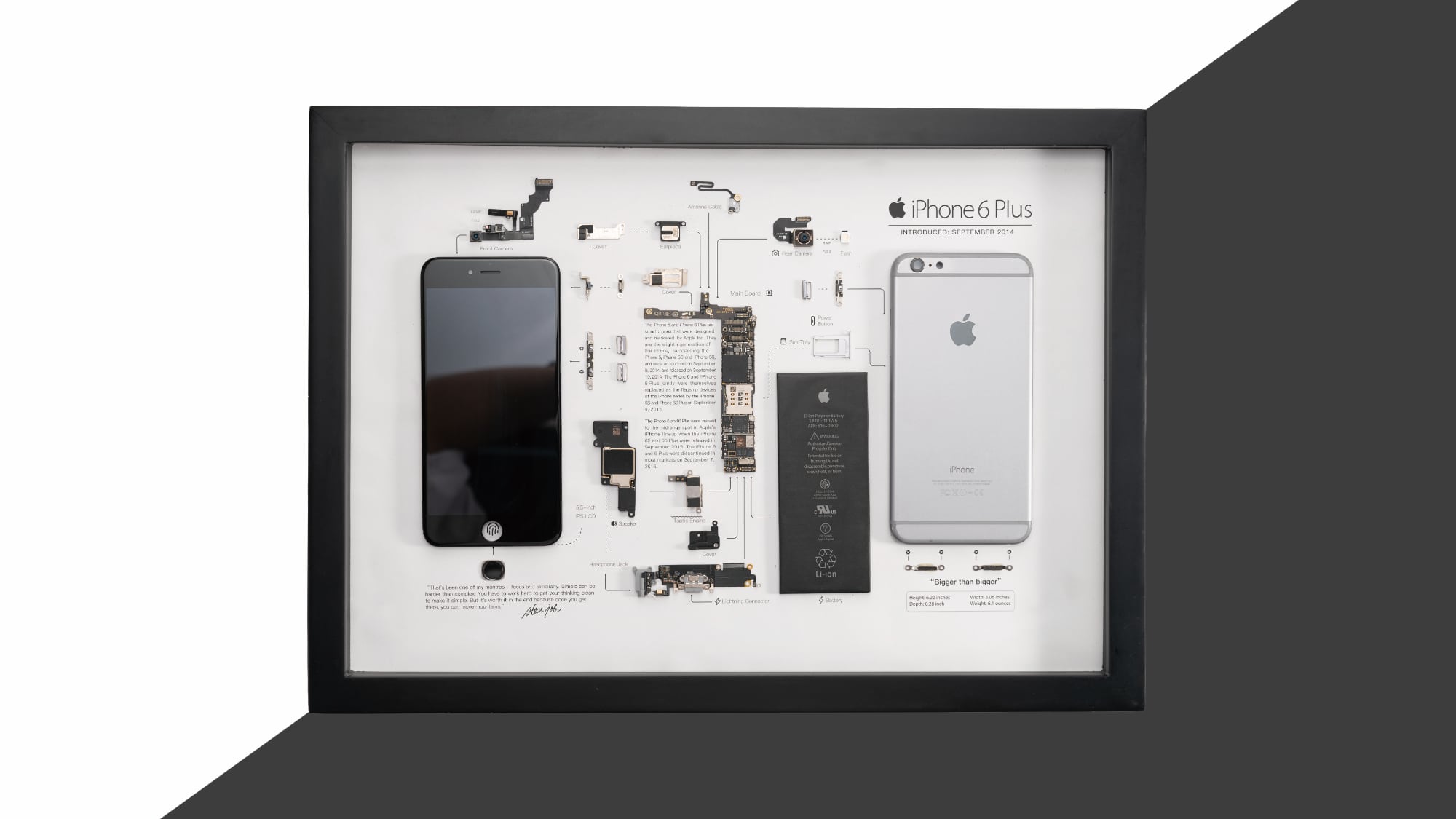
For something more affordable, the GRID 6 Plus, featuring the ‌iPhone‌ 6 Plus, is just $99 during the sale. The ‌iPhone‌ 6 Plus was Apple’s first larger-sized ‌iPhone‌, sold alongside the ‌iPhone‌ 6. It is perhaps best known for being the subject of the major “bendgate” controversy because the chassis could become distorted in a pocket.


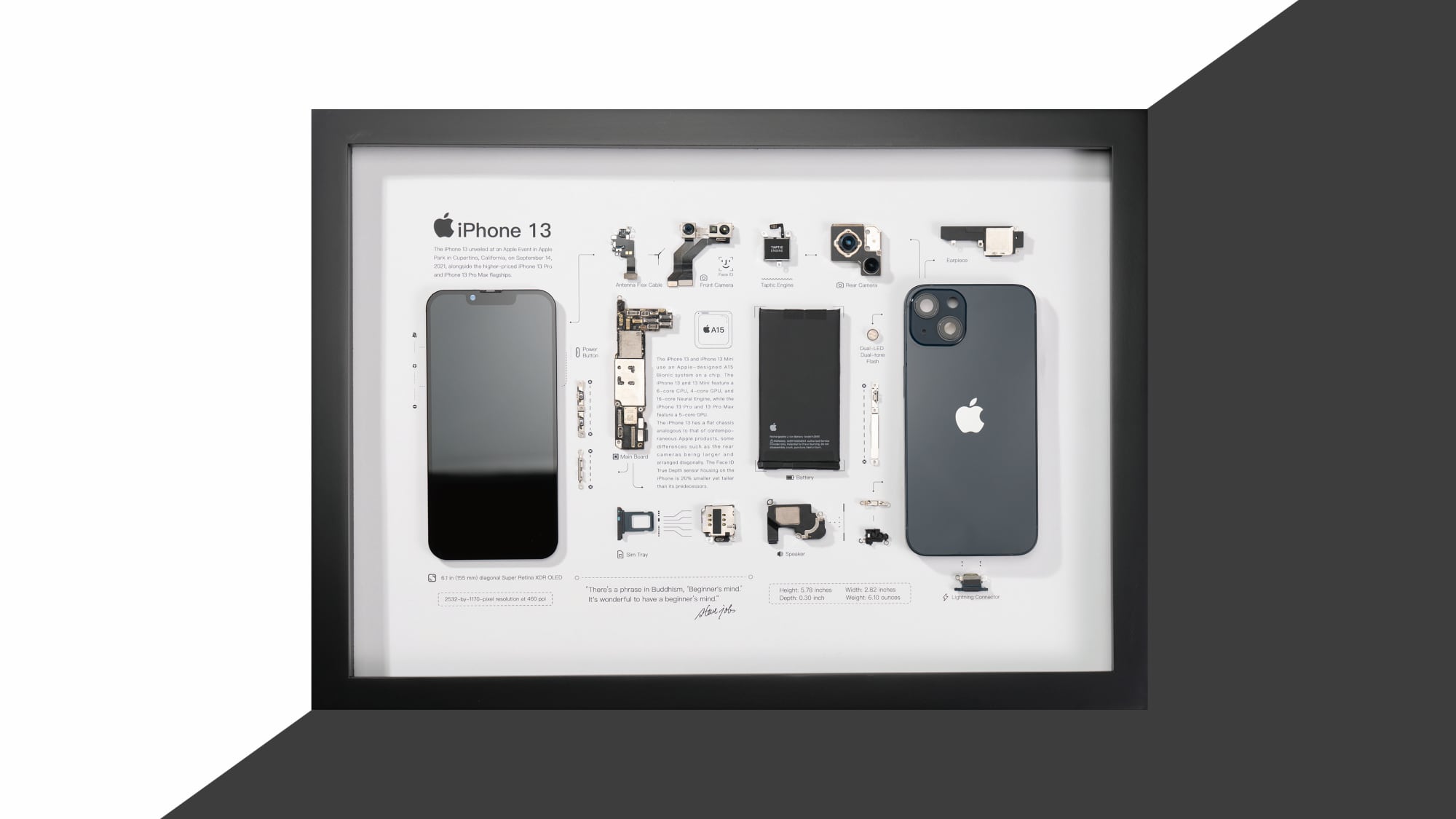
The GRID 13, available for $179, features Apple’s more modern ‌iPhone‌ 13. The GRID 13 shows off the newer, flat-edged chassis that Apple introduced with the ‌iPhone‌ 12, a logic board with the A15 chip, and a range of components like the Taptic Engine and the TrueDepth camera system.


GRID Studio does accessories too, such as the Magic Mouse. A disassembled version of the Magic Mouse is on sale for $99, and it feature’s Apple’s love it or hate it mouse design.


We have an (assembled and functional) ‌Apple Watch Ultra 2‌ from GRID Studio to give away to one lucky MacRumors reader. To enter to win, use the widget below and enter an email address. Email addresses will be used solely for contact purposes to reach the winner(s) and send the prize(s). You can earn additional entries by subscribing to our weekly newsletter, subscribing to our YouTube channel, following us on Twitter, following us on Instagram, following us on Threads, or visiting the MacRumors Facebook page.

Due to the complexities of international laws regarding giveaways, only U.S. residents who are 18 years or older, UK residents who are 18 years or older, and Canadian residents who have reached the age of majority in their province or territory are eligible to enter. All federal, state, provincial, and/or local taxes, fees, and surcharges are the sole responsibility of the prize winner. To offer feedback or get more information on the giveaway restrictions, please refer to our Site Feedback section, as that is where discussion of the rules will be redirected.

The contest will run from today (May 16) at 9:00 a.m. Pacific Time through 9:00 a.m. Pacific Time on May 23. The winner will be chosen randomly on or shortly after May 23 and will be contacted by email. The winner will have 48 hours to respond and provide a shipping address before a new winner is chosen.
This article, "MacRumors Giveaway: Win an Apple Watch Ultra 2 From GRID Studio" first appeared on MacRumors.com

Discuss this article in our forums

Read More